PHOENIQS AI Build
A browser-based agentic engineering AI workspace on the PHOENIQS AI Platform. You set the objective; the OpenCode agent codes, tests and deploys in the built-in VS Code editor, terminal and watchable AI browser. Nothing to install, everything behind your company single sign-on: your code and credentials never leave the sovereign environment.
From AI-assisted coding to agentic development
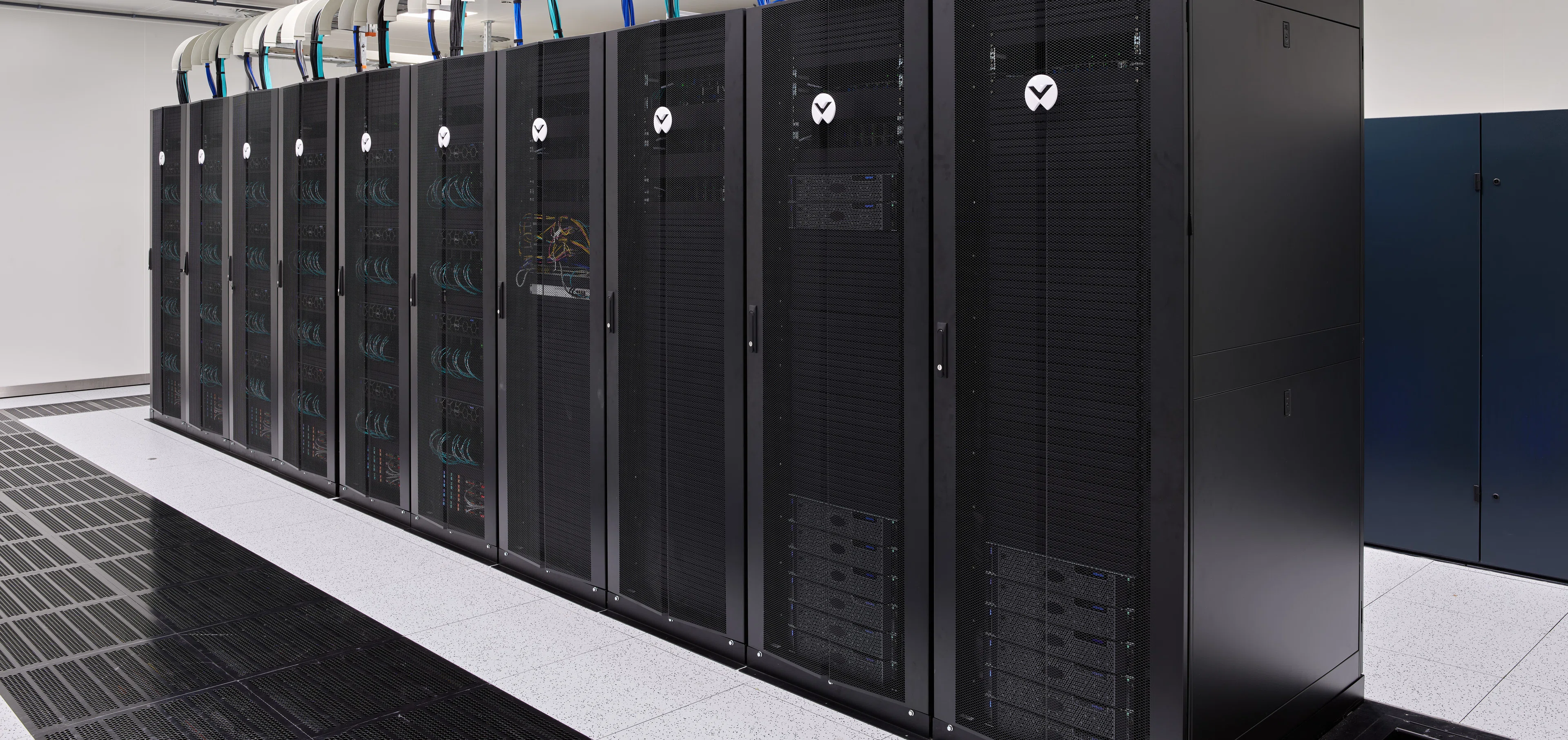
Most AI coding agents today run on a local machine, with a full copy of the source code and the credentials on each developer laptop. Code spreads across endpoints that can be lost, stolen or compromised. Agents act with broad local access. None of it is centrally governed or auditable.
PHOENIQS AI Build changes the model. You set the objective. The coding agent carries out the work. The agent, the code and the credentials live in one governed place, not spread across endpoints.
One plan. One dedicated workspace per engineer.
Built for engineers. Governed by your platform team.
Everything an engineer needs in one workspace, running under the rules, tools and configuration your platform team manages centrally.
Agentic engineering
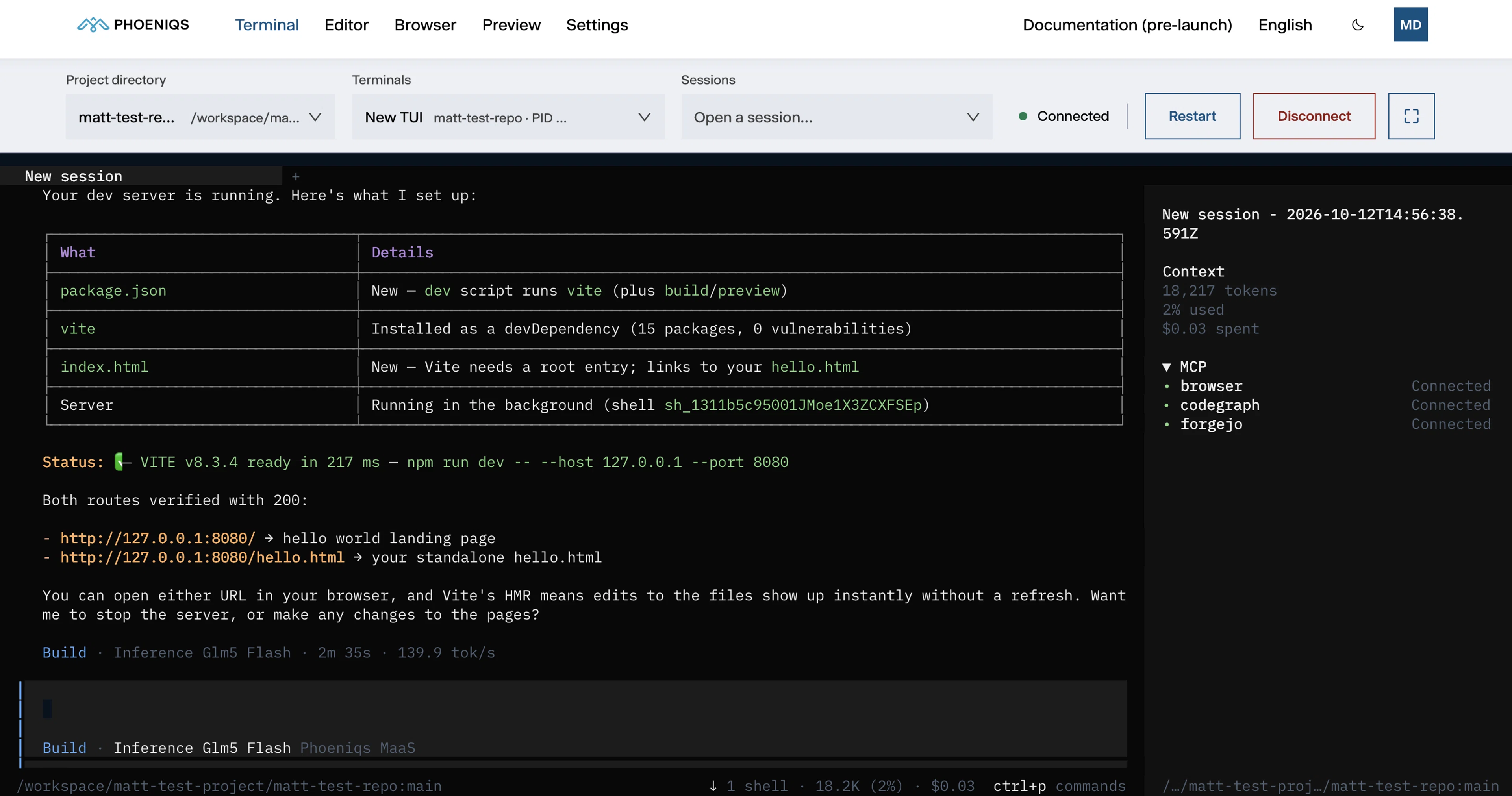
Set the objective; the pre-integrated OpenCode agent codes, tests and deploys across your repositories, connected to PHOENIQS AI models, MCP servers and your development tools.
One workspace, every tool
Terminal, VS Code editor, a live preview of the app you are building and a browser the agent works in, side by side as tabs of one workspace.
A browser you can watch and grab
Watch the agent browse, read docs and test your app live, then take over with your own mouse and keyboard at any point.
Always on
Agents and long-running tasks keep working with your laptop closed. A build, a test run or a long review is waiting when you come back.
Works anywhere, nothing to install
Everything runs in the browser and stays in your workspace: code, tools, dependencies and agent context. Pick up where you left off on any machine.
Behind your company sign-in
Every tab sits behind your company single sign-on and opens for its owner only. Code and credentials stay in one governed workspace, never on a laptop.